
Quick Start Guide for Dell Latitude 5175/5179.
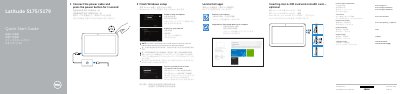
This guide helps you power on and set up your Dell Latitude 5175/5179 laptop. It includes steps to connect to Wi-Fi, sign in to your Microsoft account, and locate ports like USB, HDMI, and charging. The guide also covers optional features such as fingerprint readers and NFC sensors for specific models. This manual is written in Chinese.
Connect the power cable and press the power button for 1 second.
Yes, the Latitude 5179 includes a fingerprint reader.
Yes, inserting a micro-SIM card and microSD card is optional.