
Inspiron 17 5000 Series Notebook Quick Start Guide
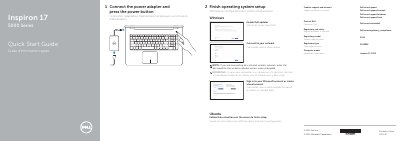
This Dell Quick Start Guide covers the Inspiron 17 5000 Series notebook, computer model Inspiron 17-5755. It explains how to connect the power adapter, press the power button, and finish Windows operating system setup.
The document lists system features with a numbered diagram, describes shortcut keys for audio, display, and wireless functions, and points to Dell support, recovery media creation, and regulatory information.
| Computer model | Inspiron 17-5755 |
|---|---|
| Regulatory model | P28E |
| Regulatory type | P28E002 |
Connect the power adapter and press the power button.
Visit Dell.com/support for product support and manuals.
Type Recovery in Windows search, click Create a recovery media, and follow the on-screen instructions.
It locks or unlocks the Fn key.