
The VIVOTEK NR9681 is a network video recorder with features including 32/64 channel recording, RAID storage and full integration with VIVOTEK cameras.
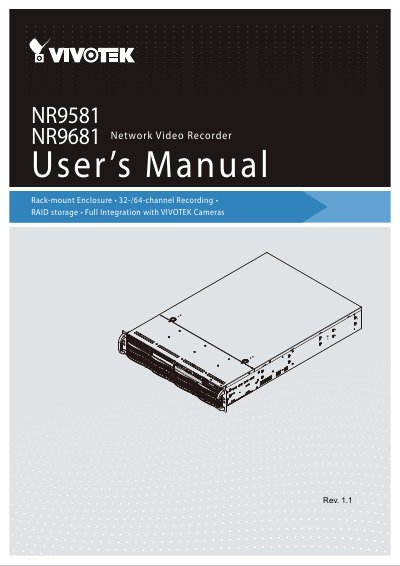
This manual covers the VIVOTEK NR9681 network video recorder, a rack-mount enclosure with 32-/64-channel recording, RAID storage, and full integration with VIVOTEK cameras. It includes hardware installation, initial configuration, RAID basics, and VAST server and client components.
The document also explains VAST LiveClient and VAST Playback configuration, recording, backup, alarm, user, station, and matrix management, plus import/export utilities, service tools, and appendices for panoramic PTZ, ONVIF, Modbus TCP modules, and other parameters.
| Recording channels | 32-/64-channel |
|---|---|
| Storage | RAID storage |
| Enclosure | Rack-mount |
The package includes the NR9581 or NR9681 unit, power cords, a software CD, a warranty card, a quick installation guide, and screws and slide rails.
The operating system and management software are installed on flash memory on the main board, so no software installation is needed except plug-ins for onscreen display.
Always power off the system using the power down button on the system desktop and do not disconnect the power cord while it is still operating.
Verify that all received contents are complete according to the package contents list and read the warnings before installation.