
The Dell Wyse Cloud Client Wyse 5010 Quick Start Guide describes how to set up and use the Dell Wyse Cloud Client Wyse 5010.
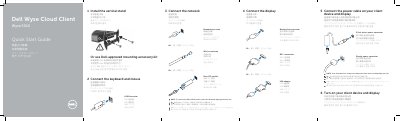
This guide helps you set up the Dell Wyse Cloud Client Wyse 5010. Connect peripherals like keyboard, mouse, display, and power. Connect to network via Ethernet or optional wireless. Turn on the device and wait for the activity light to turn off to confirm readiness. This manual is written in Chinese.
It is ready to use when the client device activity light goes off.
Rotate the latch and unplug it from its slot.
+19V.
10/100/1000 Base-T or SFP.