
The Dell™ Workgroup W5300 Laser Printer is a high-performance, multi-function printer that is designed to meet the needs of busy workgroups. It features:
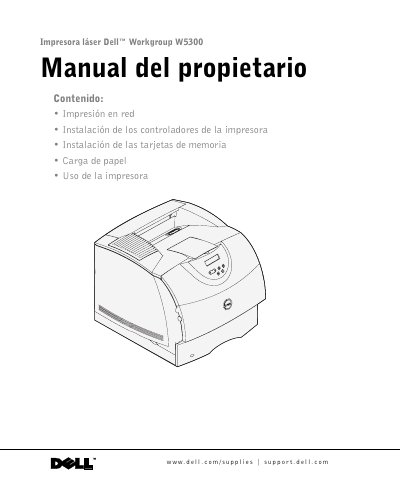
This document serves as the User's Guide for the Dell Workgroup W5300 laser printer. It provides comprehensive instructions for setting up the printer for network and local printing, including driver installation for various operating systems such as Windows 95, 98, Me, NT, 2000, and XP, as well as Linux and Novell NetWare environments.
The guide also details operational procedures such as loading paper and envelopes into the standard tray and multi-purpose feeder, using the operator panel to change settings and language, and managing print jobs. Additionally, it covers maintenance tasks including cleaning the printer, replacing the toner cartridge, and installing optional memory cards. This manual is written in Spanish.
It is a laser printer for network and local printing.
Users can request them online at www.dell.com/supplies or by phone.
It warns of potential personal injury, equipment damage, or death if safety instructions are not followed.