
This document is a quick start guide for Dell computers, and it introduces how to set up and use a Dell computer.
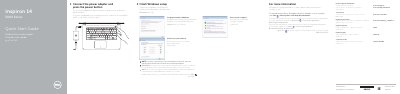
This quick start guide is for the Dell Inspiron 14 5000 Series (computer model Inspiron 14-5452). It shows the initial Windows setup steps: connect the power adapter and press the power button, set a Windows password, connect to a network, and protect the computer using Dell Help Documentation.
The guide also lists shortcut keys and identifies the computer's ports and components. It directs users to Dell product support, manuals, specifications, contact information, and regulatory and safety information.
| USB 2.0 ports | 2 |
|---|---|
| USB 3.0 port | 1 |
| HDMI port | 1 |
| Optical drive | 1 |
| Media-card reader | 1 |
Connect the power adapter and press the power button.
Click Start, then All Programs, then Dell Help Documentation.
See Specifications at dell.com/support.