
Dell Wyse Cloud Client Wyse 5010 Quick Start Guide
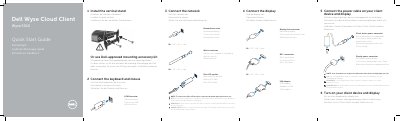
This quick start guide shows how to install the vertical stand, connect the keyboard and mouse, display, network, and power, then turn on the Dell Wyse Cloud Client Wyse 5010. It also identifies the front and rear ports and controls.
The guide is provided in English, Dutch, French, and German, and includes product support, manual, regulatory, and safety references.
| Network port | 10/100/1000 Base-T or SFP |
|---|---|
| Display connectors | DisplayPort and DVI-I |
| DVI-I port | 1x DVI-D / 1x VGA |
| USB 2.0 ports | 4 total (2 + 2) |
| Wireless antenna ports | 2 (optional) |
| Power input | +19V |
| Audio jack | Headphone/microphone |
It is ready to use when the client device activity light goes off.
The network port supports 10/100/1000 Base-T or SFP.
Yes, it has two wireless antenna ports, which are optional.
Yes, components may vary based on model and location.