
Inspiron 15-5555 Laptop Quick Start Guide
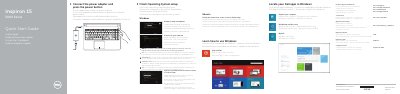
This guide helps you set up your Dell Inspiron 15-5555 laptop. Connect the power adapter and press the power button to begin. Follow on-screen instructions to complete OS setup, connect to your network, and sign in to your Microsoft or local account. The guide also details port locations and shortcut keys for basic operations.
The laptop includes a camera, HDMI port, USB 3.0 ports, optical drive, and battery status indicators. It supports Windows and Ubuntu operating systems. For more details, visit dell.com/support.
Enter the password for the wireless network access when prompted.
The service tag label is located on the bottom of the laptop, near the battery compartment.