
Dell AC411 Speakers Quick Start Guide

The Dell AC411™ Quick Start Guide explains how to connect the speakers to a computer.
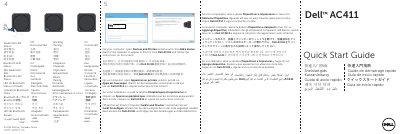

Dell AC411 Speakers Quick Start Guide - cover page
Brand
DELL
Category
Home Speakers
Document type
Quick Start Guide
Language
English
Pages
2
File format
PDF
File size
2.5 MB
Published
24 November, 2023
Updated
24 November, 2023
Model
AC411
MD5 checksum
B5A1BA328220B56E6D28BC14124965FB

About this manual

The Dell AC411 is a set of speakers that can be connected to a computer via Bluetooth. The guide provides step-by-step instructions for adding the device through the computer's system settings.

Frequently asked questions

How do I connect the Dell AC411 speakers to my computer?

Open the Devices and Printers window on your computer, click Add a device, select Dell AC411 from the list, and follow the on-screen instructions.

What does a blinking Bluetooth LED indicate on the speakers?

A blinking Bluetooth LED indicates that the device is pairing.

Download PDF (2.5 MB)

More DELL Manuals


View all DELL manuals →