
The Dell 3333dn and 3335dn Laser MFP User's Guide describes the features and functions of the printer.
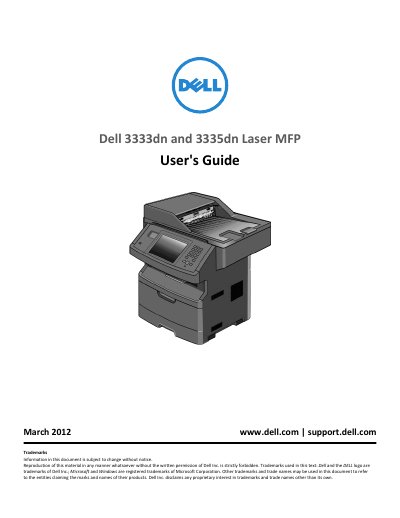
The Dell 3333dn and 3335dn Laser MFP User's Guide provides detailed instructions for configuring and operating these multi-function printers. It covers initial hardware setup, including the installation of internal options like memory cards, hard disks, and fax cards, as well as software installation for Windows and Macintosh systems.
The manual details the core functions of the device, including printing, copying, e-mailing, faxing, and scanning to FTP, computers, or flash drives. It also includes comprehensive sections on paper handling, printer menu configurations, and routine maintenance tasks such as replacing toner cartridges and photoconductor kits.
Yes, the printer supports printing on both sides of the paper (duplexing).
Yes, the printer includes a function for scanning to an FTP address.
Yes, an optional 550‑sheet drawer can be installed.