
The Dell Networking W-7005 Controller is a wireless LAN controller that connects, controls, and intelligently integrates wireless Access Points (APs) and Air Monitors (AMs) into a wired LAN system.
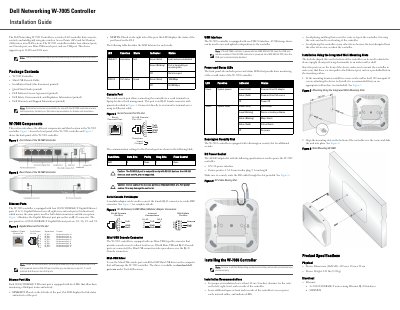
This document provides installation instructions for the Dell Networking W-7005 Controller, a wireless LAN controller that connects and controls up to 16 Access Points and 1024 users. The guide details the package contents, component locations, and installation recommendations for proper air circulation and heat dissipation.
| Max APs Supported | 16 |
|---|---|
| Max Users Supported | 1024 |
| Ethernet Ports | 4 x 10/100/1000BASE-T |
| Console Port Type | RJ-45 Female |
| USB Interface | USB 2.0 |
| Power Input | 12V/2A |
| Device Dimensions | 4.09 cm x 20 cm x 20 cm |
| Device Weight | 2.03 lbs (0.92 kg) |
The controller requires Dell Networking W-Series AOS 6.4.1.0 or later.
Leave at least 10 cm (4 inches) clearance for the vents on all sides.
No, if both are connected, the Mini-USB connection takes precedence.