
Dell™ Latitude™ C800 Notebook User's Guide
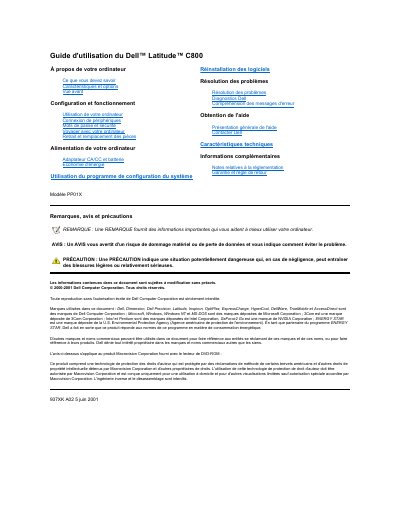
This guide provides instructions for using the Dell Latitude C800 notebook, including connecting peripherals, managing battery life, and troubleshooting issues. It covers safety precautions, battery replacement, and power adapter usage. The guide also includes information on system configuration and energy-saving features.
The manual is written in French and includes detailed steps for replacing or installing batteries, using the AC adapter, and understanding power management settings. It warns users about potential hazards and provides guidance on proper battery handling and disposal.
| Battery Type | Lithium-ion |
|---|---|
| Battery Life | 2 to 4 hours with one battery, 4 to 8 hours with two batteries |
| Battery Cycle Life | Approximately 400 charge/discharge cycles |
| Battery Temperature Limit | Do not exceed 60°C (140°F) |
With one battery, you can expect 2 to 4 hours of use; with two batteries, you can expect 4 to 8 hours.
Only lithium-ion batteries are supported. Do not use nickel-metal hydride (NiMH) batteries.
Press the battery test button to check the charge level. The number of lights that illuminate indicates the remaining charge.