
The Dell Storage NX3230 System Getting Started Guide describes how to set up and use the Dell Storage NX3230 system.
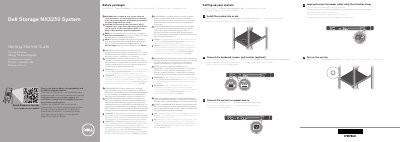
This document serves as a Getting Started Guide for the Dell Storage NX3230 system. It provides multilingual instructions for the initial setup process, including scanning a Quick Resource Locator (QRL) to access videos and documentation. The guide outlines the physical installation steps required to prepare the system for operation.
Windows Storage Server 2012 R2 or 2016 is installed by default at the Dell factory.
Use Extended Power Performance (EPP) compliant power supply units, indicated by the EPP label.
They are included in the Safety, Environmental, and Regulatory Information document shipped with the system.
No, connecting them is optional.