
The Dell PowerConnect W-6000 Fan Tray (HW-FT) provides air circulation for cooling the W-6000M3 modules in the PowerConnect W-6000 Controller chassis and is required for their normal operation.
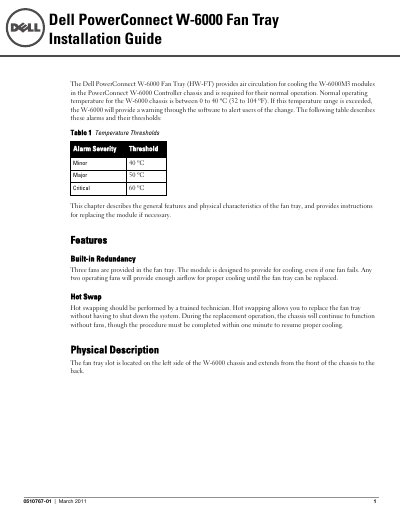
The Dell PowerConnect W-6000 Fan Tray (HW-FT) provides air circulation for cooling the W-6000M3 modules in the PowerConnect W-6000 Controller chassis and is required for their normal operation. Normal operating temperature for the W-6000 chassis is between 0 to 40 ºC (32 to 104 ºF).
The tray has three fans with built-in redundancy, so any two operating fans provide enough airflow until replacement. Hot swapping allows replacement without shutting down the system, but the procedure must be completed within one minute. A Fan Status LED indicates off, green, amber, or red conditions based on fan operation.
| Operating temperature | 0 to 40 ºC (32 to 104 ºF) |
|---|---|
| Minor alarm threshold | 40 ºC |
| Major alarm threshold | 50 ºC |
| Critical alarm threshold | 60 ºC |
| Fan count | Three |
| Hot-swap time limit | one minute |
Three fans are provided in the fan tray, with any two providing enough airflow for proper cooling.
The replacement procedure must be completed within one minute to resume proper cooling.
Two or more fans have failed, and the fan tray should be replaced immediately.
Normal operating temperature for the W-6000 chassis is between 0 to 40 ºC (32 to 104 ºF).