
Dell™ 1600n Multifunction Laser Printer User's Guide
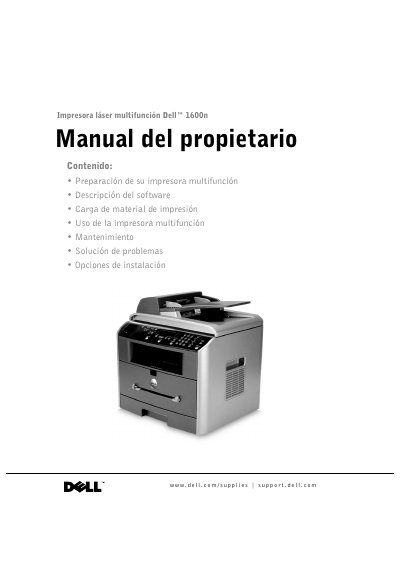
This owner's manual is for the Dell 1600n multifunction laser printer. It covers preparation of the printer, software description, loading print material, using the printer, maintenance, troubleshooting, and installation options.
The manual also describes printer components and controls, network setup, copying, scanning, faxing, toner replacement, paper-jam removal, and optional memory and tray installation. This manual is written in Spanish.
| Toner cartridge, 3,000 pages | K4671 |
|---|---|
| Toner cartridge, 5,000 pages | P4210 |
Dell toner cartridges are available only through Dell, from www.dell.com/supplies or by phone.
It identifies the multifunction printer when using support.dell.com or contacting technical service, and entering it speeds up the call.