
This document is a manual for Dell computers that introduces how to set up and use a Dell computer.
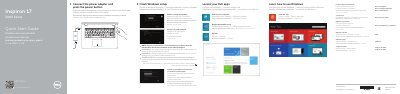
This multilingual quick start guide helps set up Dell Inspiron 17 5000 Series computers, including Inspiron 17-5748 and Inspiron 17-5749. It covers connecting the power adapter, network, Microsoft account sign-in, security and updates, and locating Dell apps.
It also identifies the laptop's ports and shortcut keys and points to Dell product support, manuals, contact, regulatory, and safety resources.
| Regulatory model | P26E |
|---|---|
| Regulatory type | P26E001 |
| Computer model | Inspiron 17-5748 / Inspiron 17-5749 |
| Battery release latches | 2 |
The guide lists dell.com/support and dell.com/support/manuals.
Regulatory and safety information is available at dell.com/regulatory_compliance.
The guide lists keys for audio, volume, playback, brightness, wireless, and external display.
It includes USB 2.0, USB 3.0, HDMI, network, headset, media-card reader, optical drive, camera, microphone, and battery release latches.