
Dell S3222HN Service Manual
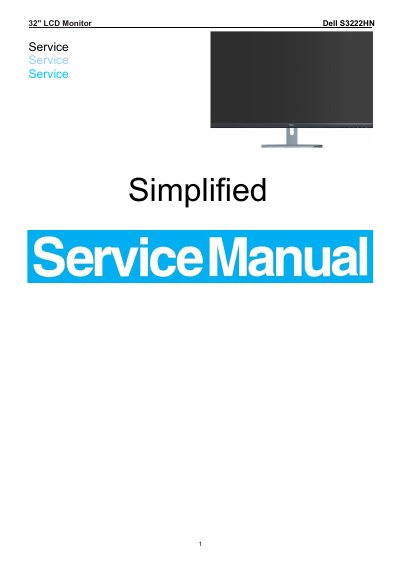
This service manual covers the Dell S3222HN 32-inch LCD monitor. It includes safety notices for service personnel, an exploded view diagram with a list of parts, a wiring connectivity diagram, required tools, and step-by-step disassembly procedures.
The disassembly section covers removing the stand-base assembly, rear cover, main board, and power board, with specified screw sizes and tightening torques for each step. This manual is written in Chinese.
| Display size | 32 inches |
|---|---|
| Panel module part number | 750GBV315110A1N0DL |
| Rear cover screw size | M3x8 |
| Rear cover screw torque | 6±1kgf.cm |
| Main frame screw size | M3x4 |
| Main frame screw torque | 3±0.5kgf.cm |
The manual lists a Phillips-head or hexagonal-head screwdriver and a penknife as the typical tools for disassembly.
Turn off the power and unplug external cables from the product before starting disassembly.
Remove the COVER_VESA, unlock the mechanisms with a Phillips-head screwdriver, then use a penknife to separate the rear cover following the arrows in sequence.
Do not press on the panel or frame, scratch the panel with sharp objects, expose the module to ESD, or leave it in high temperature and humidity for long periods.