
Dell™ Workgroup Laser Printer M5200 Owner's Manual
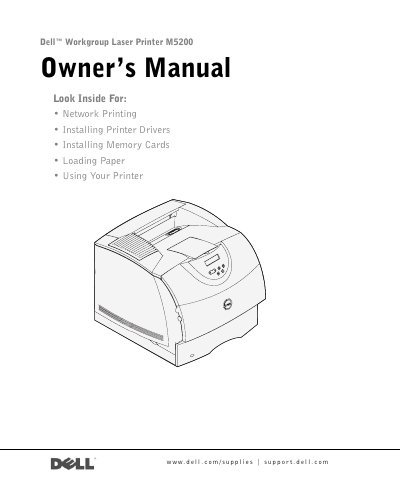
This owner's manual documents the Dell M5200 workgroup laser printer. It covers network printing setup, including print server and direct network connections, driver installation for Microsoft Plug and Play, Linux, and Novell environments, and locating or assigning an IP address.
The manual also explains installing optional memory cards, setting up local printing, loading paper, transparencies, and envelopes, changing operator panel settings, printing and canceling jobs, using Dell printer software tools, and replacing the toner cartridge and cleaning the printer. Warranty, return policy, and software license information appear in the appendix.
| Standard tray capacity | 500 sheets |
|---|---|
| Connection ports | Ethernet port and USB port |
| FCC device class | Class B digital device |
Dell toner cartridges are available only through Dell, online at www.dell.com/supplies or by phone.
The manual covers accessing the printer system board, installing printer memory, and replacing the shield.
Envelopes are loaded in the multipurpose feeder, as described in the Load paper chapter.
Factory default settings can be restored from the operator panel using the procedures in the Use your printer chapter.