
Dell P1500 Personal Laser Printer Owner's Manual

The Dell™ Personal Laser Printer P1500 is an affordable, full-featured printer that is perfect for home and small office use. It features:
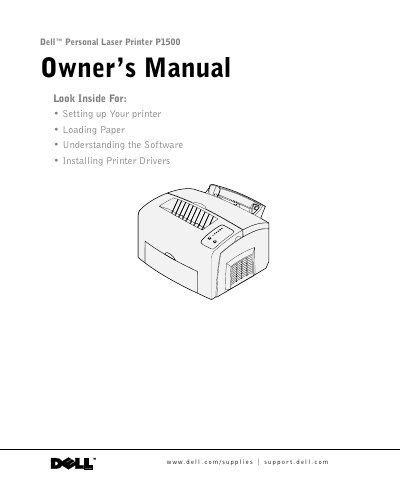

Dell P1500 Personal Laser Printer Owner's Manual - cover page
Brand
DELL
Category
Printer
Document type
User Manual
Language
English
Pages
98
File format
PDF
File size
1.3 MB
Published
24 November, 2023
Updated
24 November, 2023
Model
P1500
MD5 checksum
F412D76D3D7536CDE23847F4BBD1AF8C

About this manual

This document is the Owner's Manual for the Dell P1500 Personal Laser Printer. It covers the complete lifecycle of the device, from unpacking and attaching overlays to installing optional memory cards and the 250-sheet drawer. The guide details how to load various paper types, including envelopes and transparencies, and explains the use of the operator panel lights and output bins.

What's inside

  • Unpack the printer
  • Install printer supplies
  • Install the optional 250-sheet drawer
  • Load paper
  • Connect your printer
  • Configure paper trays
  • Verify printer setup
  • Installing printer drivers
  • Sharing your printer
  • Contacting Dell

Frequently asked questions

How many sheets of paper can Tray 1 hold?

Tray 1 can hold up to 150 sheets of paper or 10 sheets of other media.

Where can I order toner cartridges for this printer?

Toner cartridges can be ordered online at www.dell.com/supplies or by phone.

Which cables can be used to connect the computer to the printer?

You can use either a parallel cable or a USB cable, but you must not use both.

Download PDF (1.3 MB)

More DELL Manuals


View all DELL manuals →