
Dell Server Microprocessor Installation Information

This document describes the processor upgrade information for Dell servers.
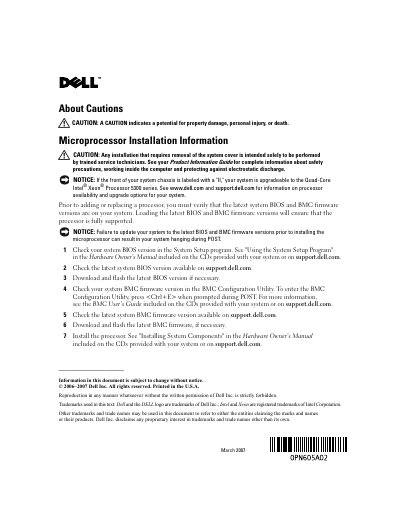

Dell Server Microprocessor Installation Information - cover page
Brand
DELL
Category
Servers Computer
Document type
User Manual
Language
English
Pages
11
File format
PDF
File size
684 KB
Published
24 November, 2023
Updated
24 November, 2023
MD5 checksum
3BD49E96E62CD694341F5CE94F8F0616

About this manual

This document outlines the necessary precautions and steps for installing a microprocessor in a Dell server system. It emphasizes that any installation requiring the removal of the system cover must be performed by trained service technicians to ensure safety and prevent electrostatic discharge damage. Users are advised to consult the Product Information Guide for detailed safety instructions.

What's inside

  • Microprocessor Installation
  • System BIOS Update
  • BMC Firmware Update
  • Processor Upgrade Options
  • Safety Precautions
  • System Setup Program
  • BMC Configuration Utility

Frequently asked questions

Who should perform microprocessor installations?

Any installation that requires removal of the system cover is intended solely to be performed by trained service technicians.

What happens if the BIOS and BMC firmware are not updated before installing the processor?

Failure to update the system to the latest BIOS and BMC firmware versions prior to installing the microprocessor can result in the system hanging during POST.

How do I check the system BIOS version?

Check your system BIOS version in the System Setup program.

Download PDF (684 KB)

More DELL Manuals


View all DELL manuals →