
This document describes how to identify the contents of a rail kit and how to install the rails.
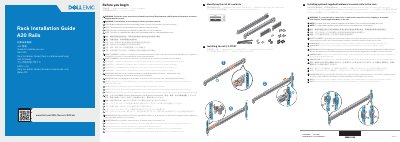
This Dell A20 Rails guide explains how to identify rail kit contents and install rails in 4-post and 2-post rack configurations. It also covers safety warnings, optional hardware for securing rails, inserting the system into the rails, securing cables, and removing the system by reversing the installation steps.
The guide is multilingual and states compatibility with square hole, unthreaded round hole, and threaded hole racks. Tooled rail mounting requires a #2 cross tip screwdriver.
| Rack compatibility | Square hole, unthreaded round hole, and threaded hole racks |
|---|---|
| Tooled mounting screwdriver | #2 cross tip screwdriver |
| Optional securing hardware for square hole racks | Supplied conical washer installed on the screw before screw installation |
| Optional securing hardware for unthreaded round hole racks | Screw only, without the conical washer |
Square hole, unthreaded round hole, and threaded hole racks.
A #2 cross tip screwdriver.
Install the supplied conical washer on the screw before installing the screw.
Yes, by performing the installation procedure in reverse order.