
This document describes how to identify the components in the rail kit and how to install the rails.
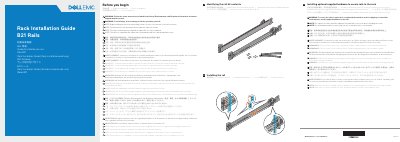
This guide details the installation of the Dell B21 rail kit. It covers identifying kit contents, safety warnings regarding lifting and tool requirements, and specific hardware installation steps for square hole and unthreaded round hole racks. The document includes instructions for securing the rails to the rack using optional supplied hardware.
| Required tool | #2 cross tip screwdriver |
|---|---|
| Compatible rack types | square hole, unthreaded round hole, and threaded hole racks |
A #2 cross tip screwdriver is required.
You can remove the system by performing the installation procedure in reverse order.