
Dell EqualLogic PS6000 and PS6500 Matrix Storage Installation and Configuration Guide

This document describes how to install and configure EqualLogic PS Series PS6000 and PS6500 Matrix Storage devices.
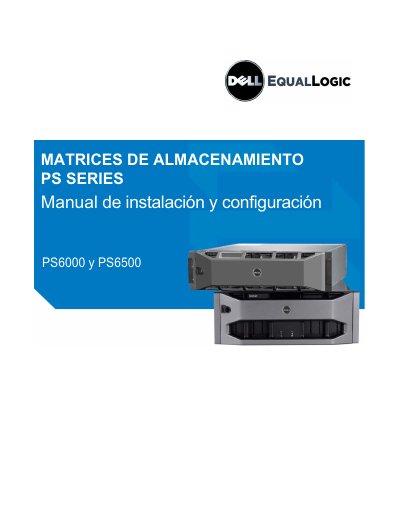

Dell EqualLogic PS6000 and PS6500 Matrix Storage Installation and Configuration Guide - cover page
Brand
DELL
Category
Storage devices
Document type
Installation Guide
Language
Spanish
Pages
65
File format
PDF
File size
2.1 MB
Published
24 November, 2023
Updated
24 November, 2023
Models
PS6000, PS6500
MD5 checksum
D1B2A406D550738EF5FB042BC47F18B3

About this manual

This manual provides instructions for installing and configuring Dell EqualLogic PS Series matrix storage systems, specifically the PS6000 and PS6500 models. It is designed for administrators responsible for hardware installation and includes guidance on network requirements and environmental specifications. This manual is written in Spanish.

What's inside

  • Primeros pasos
  • Instalación del hardware
  • Configuración del software
  • Asignación de espacio de almacenamiento
  • Pasos siguientes
  • Protección del hardware
  • Requisitos medioambientales
  • Contenido del paquete de envío
  • Requisitos para el montaje en estante
  • Configuración de la directiva RAID

Specifications

Product SeriesPS Series
Document Part NumberP631M-SP
Publication DateDecember 2008

Frequently asked questions

Who is this manual intended for?

This manual is designed for administrators responsible for the installation of matrix hardware.

What safety equipment is required for handling the hardware?

You must use the anti-static wrist strap included with the matrix or a similar protection measure.

How do I connect the matrix to the power?

Connect the matrix to the power supply as the first step in the hardware installation process.

Download PDF (2.1 MB)

More DELL Manuals


View all DELL manuals →