
The Dell Latitude 3490 Quick Start Guide introduces the features and specifications of the product.
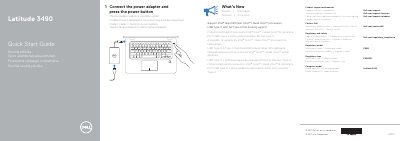
This document serves as a Quick Start Guide for the Dell Latitude 3490 laptop. It provides instructions for initial setup, including connecting the power adapter and pressing the power button. The guide is available in multiple languages, including English, Czech, Hungarian, Polish, and Slovak.
| Processor Support | Intel 8th Gen Core i Quad Core |
|---|---|
| USB Type-C Support | Full Type-C Dell docking support |
| Network Port | Network port |
| HDMI Port | HDMI port |
| USB 3.1 Gen 1 Port | USB 3.1 Gen 1 port with PowerShare |
| USB 3.1 Gen 1 Type-C Port | USB 3.1 Gen 1 (Type-C) port/ DisplayPort |
No, the hard drive activity light is supported only on computers shipped with a hard drive.
The computer supports Intel 8th Gen Core i Quad Core processors.