
Dell PowerEdge VRTX Getting Started With Your System

The Dell PowerEdge VRTX Getting Started With Your System guide provides instructions on how to set up and use the Dell PowerEdge VRTX system.
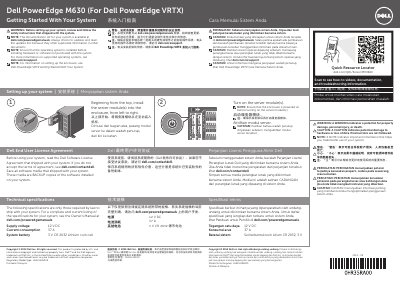

Dell PowerEdge VRTX Getting Started With Your System - cover page
Brand
DELL
Category
Servers Computer
Document type
User Manual
Language
English
Pages
2
File format
PDF
File size
333 KB
Published
24 November, 2023
Updated
24 November, 2023
MD5 checksum
7D220E1A454847E9D8ABA0FFED3288BA

About this manual

This document serves as a starting point for setting up the Dell PowerEdge VRTX system. It directs users to the Dell PowerEdge M630 manual for specific server module installation details and emphasizes the importance of reviewing safety instructions and checking for documentation updates before beginning.

What's inside

  • Safety Instructions
  • Documentation Updates
  • Operating System Installation
  • Enclosure Setup
  • Server Module Installation
  • System Power On
  • Technical Specifications
  • License Agreements

Specifications

Supply voltage12 V DC
Current consumption37 A
System battery3 V CR 2032 Lithium coin cell

Frequently asked questions

Where can I find the complete and current listing of specifications?

See the Owner's Manual at dell.com/poweredgemanuals.

When should I install the operating system?

Ensure that the operating system is installed before installing hardware or software not purchased with the system.

Download PDF (333 KB)

More DELL Manuals


View all DELL manuals →