
The Dell Latitude 3490 Quick Start Guide introduces the features and specifications of the product. The product is a 14-inch notebook computer that comes with an Intel Core i5-8250U processor, 8GB of memory, and a 256GB solid-state drive. It also has a 14-inch HD display, a backlit keyboard, and a fingerprint reader.
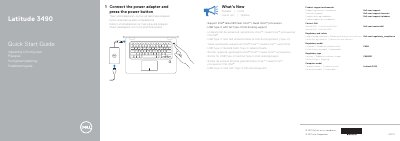
This document serves as a quick start guide for the Dell Latitude 3490 laptop. It provides instructions for initial setup, including connecting the power adapter and pressing the power button. The guide also directs users to Dell's support website for additional manuals and product support.
| Processor | Intel 8th Gen Core i Quad Core processors |
|---|---|
| Docking Support | USB Type-C with full Type-C Dell docking support |
| Model Year | 2017 |
Connect the power adapter and press the power button.
Visit Dell.com/support for product support and manuals.