
Dell DL4300 Getting Started With Your System

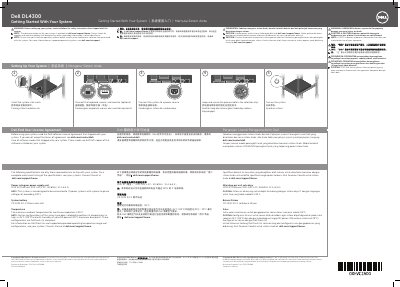
The document describes how to install the system into a rack.

Dell DL4300 Getting Started With Your System - cover page
Brand
DELL
Category
Servers Computer
Document type
User Manual
Language
English
Pages
2
File format
PDF
File size
527 KB
Published
24 November, 2023
Updated
24 November, 2023
Model
DL4300
MD5 checksum
D2FF1B012AA273DA4C39E505BC0BC424

About this manual

This guide covers the initial setup of the Dell DL4300 system. It includes instructions for installing the system into a rack, connecting optional peripherals like a keyboard, mouse, and monitor, and connecting the system to a power source. Users are advised to secure the power cable in the retention clip before turning on the system.

What's inside

  • Install the system into a rack
  • Connect the keyboard, mouse, and monitor
  • Connect the system to a power source
  • Turn on the system
  • Safety instructions
  • Documentation updates
  • Operating system installation
  • System specifications

Specifications

Power rating per power supply unit1100 W (Platinum)
Voltage input100-240 V AC, 50/60Hz
System batteryCR 2032 3.0-V lithium coin cell
Maximum ambient temperature35°C

Frequently asked questions

Where can I find the full documentation set for my system?

The full documentation set is available at dell.com/support/home.

Should I install hardware or software before the operating system?

No, you should install the operating system before installing hardware or software not purchased with the system.

Download PDF (527 KB)

More DELL Manuals


View all DELL manuals →