
The Dell™ 1710/1710n Laser Printer User's Guide explains how to install the printer, load paper, print over a network, and understand the software.
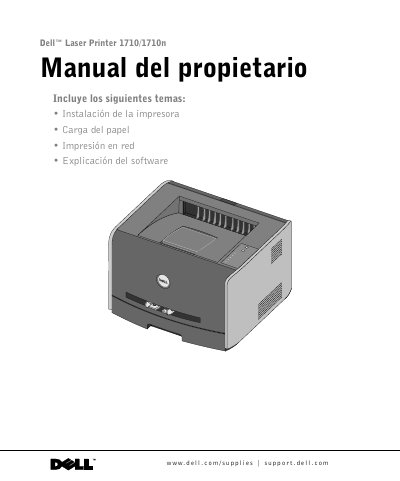
The Dell 1710/1710n Laser Printer Owner's Manual is a Spanish-language guide for installing and using the printer. It covers printer description and operator panel use, paper loading for 250- and 550-sheet trays and the manual feeder, local and network printing setup, and an overview of Dell printer software.
Later sections describe printing tasks such as manual duplex, N-up, booklet, poster, and header printing; maintenance including toner cartridge and image drum replacement; troubleshooting; Dell contact information; and appendix topics such as warranties, export rules, software license, and regulatory notices. This manual is written in Spanish.
| Toner cartridge (3,000 pages) | N3769 |
|---|---|
| Return toner cartridge (3,000 pages) | J3815 |
| Toner cartridge (6,000 pages) | H3730 |
| Return toner cartridge (6,000 pages) | K3756 |
| Image drum | 30,000 pages (D4283) |
| Laser class | Class 1 |
| Optional paper feeder | 550 sheets |
| Paper tray capacities | 250 and 550 sheets |
Order Dell toner cartridges through www.dell.com/supplies or by phone using the country-specific numbers in the manual.
Contact your Dell distributor to request supplies.
It indicates that property damage, personal injury, or death may occur.
The printer is certified as a Class 1 laser product.