
The Dell Latitude 11 Keyboard is a keyboard dock for the Dell Latitude 11 tablet. It provides additional battery life for the tablet, and provides a USB 3.0 port and an HDMI port. The keyboard dock also protects the tablet from damage.
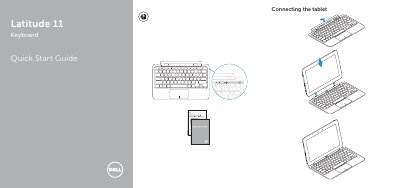
This quick start guide shows how to connect and disconnect a tablet with the Dell Latitude 11 Keyboard and how to use the Dell mini Active Pen.
It also provides product support and manual links, contact information, and regulatory and safety details, including electrical ratings, for the keyboard.
| Model | Dell Latitude 11 Keyboard (K12M) |
|---|---|
| Rated voltage | 100-220 V (AC) |
| Rated frequency | 50/60 Hz |
| Rated input current | 0.9 A (30 W) |
It covers connecting the tablet, disconnecting the tablet, and using the Dell mini Active Pen.
The listed ratings are 100-220 V AC, 50/60 Hz, and 0.9 A (30 W).