
Dell Latitude 11 Keyboard Dock Quick Start Guide

The Dell Latitude 11 Keyboard Dock is a versatile docking station that can turn your tablet into a fully functional laptop. It features the following:
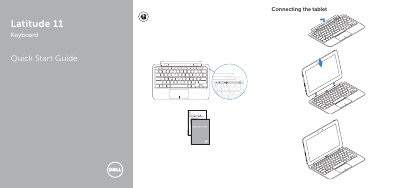

Dell Latitude 11 Keyboard Dock Quick Start Guide - cover page
Brand
DELL
Category
Other Computer Accessories
Document type
Quick Start Guide
Language
English
Pages
2
File format
PDF
File size
325 KB
Published
23 November, 2023
Updated
23 November, 2023
MD5 checksum
45C90A009676C4077D2AB4EE6C8F9F51

About this manual

This quick start guide covers connecting a tablet, disconnecting a tablet, and using the Dell mini Active Pen with the Dell Latitude 11 Keyboard Dock. It also provides product support, contact, regulatory, and safety information for model K12M.

What's inside

  • Connecting the tablet
  • Disconnecting the tablet
  • Using the Dell mini Active Pen
  • Product support and manuals
  • Contact Dell
  • Regulatory and safety

Specifications

Rated voltage100-220 V AC
Rated frequency50/60 Hz
Rated input current0.9 A (30 W)

Frequently asked questions

How do I connect the tablet?

The guide includes a section on connecting the tablet.

How do I disconnect the tablet?

The guide includes a section on disconnecting the tablet.

What pen does the guide cover?

The guide covers using the Dell mini Active Pen.

Where can I find product support?

The guide lists product support and manuals.

Download PDF (325 KB)

More DELL Manuals


View all DELL manuals →