
Dell Latitude 11 Keyboard K12M Quick Start Guide

The Dell Latitude 11 Keyboard is a keyboard dock for the Dell Latitude 11 tablet. It provides the tablet with extra battery life, storage space, and ports.
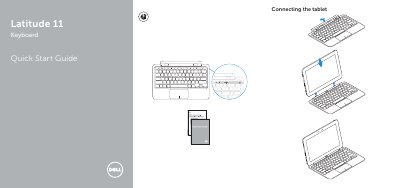

Dell Latitude 11 Keyboard K12M Quick Start Guide - cover page
Brand
DELL
Category
Other Computer Accessories
Document type
Quick Start Guide
Language
English
Pages
2
File format
PDF
File size
325 KB
Published
23 November, 2023
Updated
23 November, 2023
Model
K12M
MD5 checksum
25AA4AF89E732E613C53918211C51C55

About this manual

This Quick Start Guide covers the basic setup for the Dell Latitude 11 Keyboard, model K12M. It includes instructions on how to connect the keyboard to the tablet and how to disconnect it properly.

The document also provides information on using the Dell mini Active Pen. Additionally, it lists contact details for Dell support and regulatory compliance information.

What's inside

  • Connecting the tablet
  • Disconnecting the tablet
  • Using the Dell mini Active Pen
  • Product support and manuals
  • Regulatory and safety

Frequently asked questions

What is the rated input voltage for the Dell Latitude 11 Keyboard K12M?

The keyboard is rated for an input of 100-20 volts AC.

What is the rated input current for the Dell Latitude 11 Keyboard K12M?

The keyboard has a rated input current of 0.9 amperes.

What is the rated power for the Dell Latitude 11 Keyboard K12M?

The keyboard has a rated power of 30 watts.

Download PDF (325 KB)

More DELL Manuals


View all DELL manuals →