
Dell Latitude D520 Laptop User Guide

The Dell™ Latitude™ D520 User's Guide provides information on using the Dell™ Latitude™ D520 notebook computer.
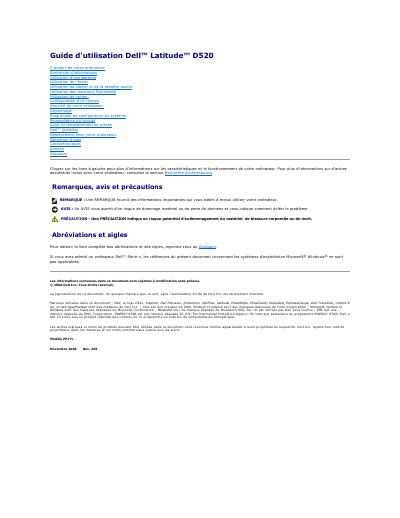

Dell Latitude D520 Laptop User Guide - cover page
Brand
DELL
Category
Laptops
Document type
User Manual
Language
French
Pages
101
File format
PDF
File size
1.7 MB
Published
23 November, 2023
Updated
23 November, 2023
MD5 checksum
8AE62804B85FDC3468FBF4E13743EE25

About this manual

This guide is the French-language user manual for the Dell Latitude D520 laptop. It introduces the computer's exterior views, controls, connectors, battery, display, keyboard, touchpad, multimedia features, cards, and network configuration.

It also covers security, troubleshooting, the system setup program, software reinstallation, adding and replacing parts, Dell QuickSet, traveling with the computer, help resources, specifications, and glossary. This manual is written in French.

What's inside

  • About your computer
  • Finding information
  • Using a battery
  • Using the display
  • Using the keyboard and touchpad
  • Using multimedia features
  • Using cards
  • Configuring a network
  • Computer security
  • Troubleshooting

Frequently asked questions

How do I turn on the Dell Latitude D520?

Press the power button to turn on the computer or exit power-saving mode.

What should I do if the computer stops responding?

Press and hold the power button until the computer turns off completely.

Why should I not turn off the computer while the drive light is blinking?

Turning it off while the light is blinking can cause data loss.

Can I connect a telephone line to the network connector?

No; connect the telephone line to the modem connector instead.

Download PDF (1.7 MB)

More DELL Manuals


View all DELL manuals →