
The Dell™ Latitude™ D520 User's Guide provides information on the features and operation of the computer.
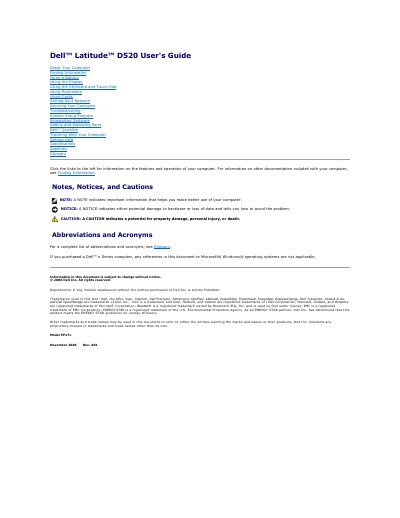
This user guide covers the Dell Latitude D520 computer's features and operation, including front, left, right, back, and bottom views, battery use, display, keyboard and touch pad, multimedia, cards, networking, security, troubleshooting, system setup, software reinstallation, parts replacement, Dell QuickSet, and traveling with the computer.
It also includes sections on getting help, specifications, an appendix, and a glossary, along with notes, notices, and cautions for safe use.
| Model | PP17L |
|---|
Press and hold the power button until the computer turns off completely.
The battery charge is low.
No, do not plug a telephone line into the network connector.
Bluetooth wireless technology is an optional feature on the computer.