
Dell Notebook Modems Identification Guide

This document describes the modems for Dell notebook computers.
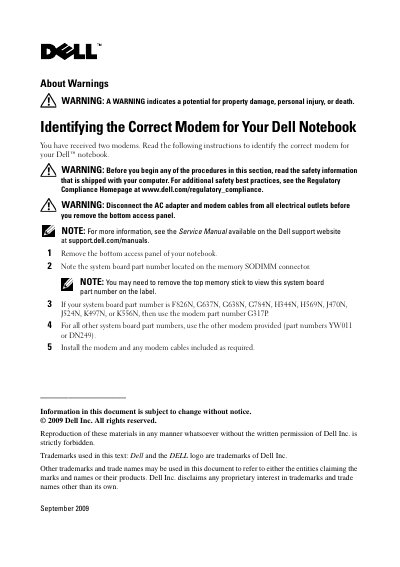

Dell Notebook Modems Identification Guide - cover page
Brand
DELL
Category
Other Computer Accessories
Document type
Service Manual
Language
English
Pages
6
File format
PDF
File size
576 KB
Published
22 November, 2023
Updated
22 November, 2023
MD5 checksum
5CC05CBD2BFCEB35B127B374C9176FAD

About this manual

This document provides instructions for identifying the correct modem for a Dell notebook when two modems are supplied. Users must check the system board part number located on the memory SODIMM connector to determine which modem to install. Specific board part numbers require modem G317P, while all others require modem YW011 or DN249. Safety warnings advise disconnecting power before removing the bottom access panel.

What's inside

  • Identifying the Correct Modem
  • Safety Warnings
  • Removing the Bottom Access Panel
  • Checking System Board Part Number
  • Installing the Modem

Frequently asked questions

Which modem should I use if my system board part number is F826N, G637N, G638N, G784N, H344N, H569N, J470N, J524N, K497N, or K556N?

You should use the modem with part number G317P.

Which modem should I use if my system board part number is not one of the specific models listed?

You should use the other modem provided, which has part numbers YW011 or DN249.

Download PDF (576 KB)

More DELL Manuals


View all DELL manuals →