
The Dell B5465dnf Laser MFP User's Guide describes the features and functions of the printer.
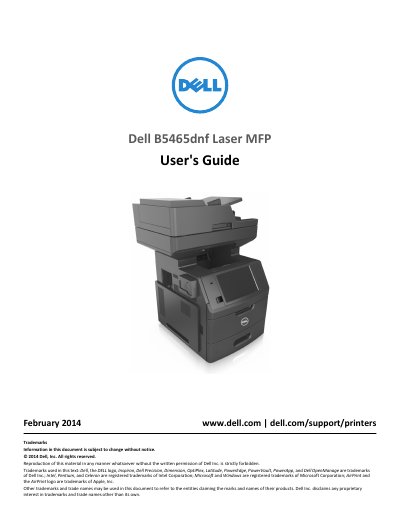
This user's guide is for the Dell B5465dnf Laser MFP. It covers safety information, printer setup, paper loading, printing, copying, e-mailing, faxing, scanning, menus, maintenance, jam clearing, and troubleshooting.
The guide also describes control panel use, networking, specialty media, supply replacement, security, and contacting technical support.
| Printer weight | Greater than 18 kg (40 lb) |
|---|---|
| Lithium battery | Not intended to be replaced |
| Telecommunications cord | 26 AWG or larger replacement |
No, the lithium battery is not intended to be replaced.
Turn the printer off and unplug the power cord from the electrical outlet before continuing.
Turn it off, unplug it, disconnect all cords and cables, remove an installed optional tray, and use the side handholds.
The printer weighs more than 18 kg (40 lb).