
Dell™ Dimension™ 9200C User Manual
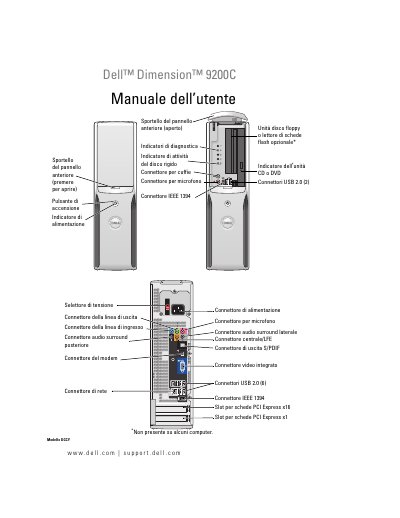
This manual provides operating and service information for the Dell Dimension 9200C computer. Its contents include front and rear views, connector identification, installation and use, power management, optional Intel Viiv features, troubleshooting, Dell Diagnostics, drivers, and system restore procedures.
Additional sections cover removal and installation of internal components such as memory, cards, drives, modem, and battery, plus system setup options, cleaning, technical specifications, and contact information for Dell support. This manual is written in Italian.
| Regulatory model | DCCY |
|---|
The user manual is available in PDF format at support.dell.com.
Yes, the documentation and drivers are already installed on the computer.
Use the service tag to identify the computer when accessing support.dell.com or contacting technical support.
These labels are affixed to the computer.