
Dell B3460dn Laser Printer User's Guide

The Dell B3460dn Laser Printer User's Guide provides instructions on how to use and maintain the printer.
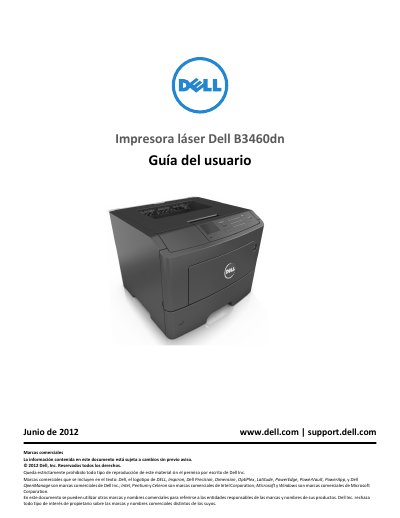

Dell B3460dn Laser Printer User's Guide - cover page
Brand
DELL
Category
Printer
Document type
User Manual
Language
Spanish
Pages
166
File format
PDF
File size
5.3 MB
Published
22 November, 2023
Updated
22 November, 2023
MD5 checksum
7B902B5FEA1FB8F8E399D580ED2EEFEF

About this manual

This document is the Spanish user guide for the Dell B3460dn laser printer, published in June 2012. It provides comprehensive instructions for users on how to set up, operate, and maintain the device. The guide includes detailed sections on safety precautions, initial configuration, hardware installation, and software setup. This manual is written in Spanish.

What's inside

  • Información de seguridad
  • Información acerca de la impresora
  • Configuraciones de la impresora
  • Uso del panel de control
  • Carga de papel normal y especial
  • Impresión de documentos
  • Mantenimiento de la impresora
  • Solución de problemas
  • Apéndice

Frequently asked questions

What kind of outlet should the printer's power cord be connected to?

A grounded outlet located near the product and easy to access.

What should be done before moving the printer?

Turn it off, unplug the power cord, disconnect all cables, remove an optional tray if installed, use the side handles, and keep fingers from under the printer.

What should be done before cleaning the outside of the printer?

Disconnect the power cord from the outlet and disconnect all cables from the printer.

What information should be ready when calling Dell support?

The service tag and express service code.

Download PDF (5.3 MB)

More DELL Manuals


View all DELL manuals →