
This document describes how to finish Windows setup.
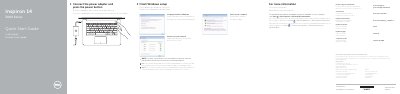
This document serves as a quick start guide for the Dell Inspiron 14 3458 laptop. It provides instructions for completing the initial Windows setup, including connecting the power adapter, setting up a password, and connecting to a network. It also directs users to Dell Help Documentation for advanced features.
| Input Voltage | 100 V CA–240 V CA |
|---|---|
| Input Current | 1,30 A/1,60 A/1,70 A |
| Input Frequency | 50 Hz–60 Hz |
| Output Voltage | 19,50 VCC |
Enter the password for the wireless network access when prompted.
Click Start → All Programs→ Dell Help Documentation.