
Intel® Active Management Technology (Intel AMT) enables enterprises to easily manage networked computers regardless of whether the computer is powered on.
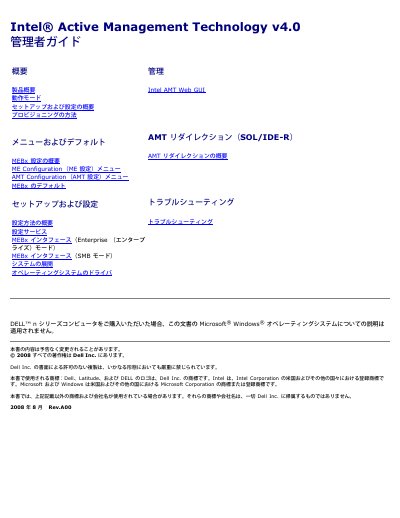
This document serves as an administrator's guide for Intel Active Management Technology (Intel AMT) version 4.0 on Dell computers. It provides an overview of the product features, including out-of-band (OOB) access, remote troubleshooting, and asset tracking capabilities enabled by the technology. This manual is written in Japanese.
Yes. Intel AMT can access a computer using information stored in non-volatile system memory, so it remains accessible even when power is disconnected.
Intel AMT can be set up in Enterprise mode or Small and Medium Business mode.
It is a completely unconfigured state in which security credentials have not yet been set and Intel AMT features are not available to management applications.