
Dell Studio 1555 Service Manual

The Dell Studio™ 1555 Service Manual provides information on how to service the Dell Studio™ 1555 laptop.
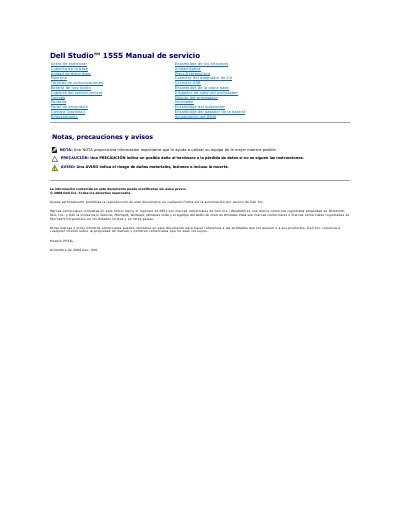

Dell Studio 1555 Service Manual - cover page
Brand
DELL
Category
Laptops
Document type
Service Manual
Language
Spanish
Pages
49
File format
PDF
File size
1.4 MB
Published
22 November, 2023
Updated
22 November, 2023
MD5 checksum
B64C9924D519635C3DC6373D245EA991

About this manual

This document is a service manual for the Dell Studio 1555 laptop (Model PP39L). It provides instructions for certified technicians on how to safely service the device, including removing and installing various components such as the base cover, hard drive, memory, and battery. The manual emphasizes safety precautions regarding electrostatic discharge and data loss. This manual is written in Spanish.

What's inside

  • Antes de comenzar
  • Herramientas recomendadas
  • Cómo apagar el equipo
  • Antes de trabajar en el interior de su equipo
  • Extracción de la cubierta de la base
  • Colocación de la cubierta de la base
  • Actualización del BIOS
  • Actualización del BIOS desde un CD
  • Actualización del BIOS desde la unidad de disco duro

Specifications

Model NumberPP39L

Frequently asked questions

What tools are recommended for servicing the Dell Studio 1555?

The recommended tools include a small flathead screwdriver, a Phillips screwdriver, and a small pointed plastic instrument.

How should the BIOS be updated if a CD is not available?

If a CD is not available, the BIOS should be updated from the hard drive by downloading the latest file from the Dell support website.

Download PDF (1.4 MB)

More DELL Manuals


View all DELL manuals →