
Dell Latitude 5175/5179 Quick Start Guide
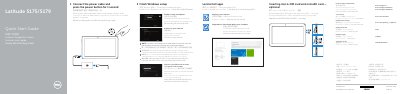
This quick start guide covers initial setup of the Dell Latitude 5175/5179 tablet, including powering on, completing Windows setup, enabling security and updates, connecting to a network, signing in, locating Dell apps, registering the computer, and running SupportAssist checks.
It also identifies the tablet's ports, controls, cameras, docking features, and model-specific items such as NFC, fingerprint reader, and smart-card reader, and explains optional micro-SIM and microSD card insertion.
| Computer model | Latitude 5175/5179 |
|---|---|
| Regulatory model | T04E |
| Regulatory type | T04E001 |
| Rated voltage | 100-240 V (AC) |
| Rated frequency | 50/60 Hz |
| Rated input current | 0.9 A (30 W) |
Connect the power cable and press the power button for 1 second.
Enter the password for the wireless network access when prompted.
The fingerprint reader is on the Latitude 5179 only.
Inserting them is optional.