
The Dell Latitude 7212 Rugged Extreme Tablet is a durable tablet with the following features:
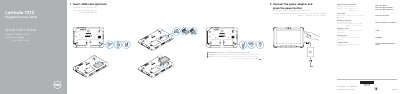
Dell Latitude 7212 Rugged Extreme Tablet Quick Start Guide provides setup steps for inserting an optional uSIM card, connecting the power adapter, and pressing the power button. It also identifies tablet features and explains battery removal.
The guide includes product support and manual links, regulatory and safety information, and notes about Rugged Control Center software availability. It is presented in English, Indonesian, Spanish, and Arabic.
| Regulatory model | T03H |
|---|---|
| Regulatory type | T03H002 |
| Computer model | Latitude 7212 Rugged Extreme Tablet |
Dell lists product support and manuals at Dell.com/support and Dell.com/support/manuals.
Remove the battery to access the uSIM card slot.
It is available at Dell.com/support.
Keep the screen-side at 15 mm (0.59 inches) or greater distance; the other five sides can be used in close contact.