
Dell OptiPlex 320 Mini Tower Chassis Desktop User's Guide

Dell™ OptiPlex™ 320 Mini Tower Chassis Desktop User's Guide
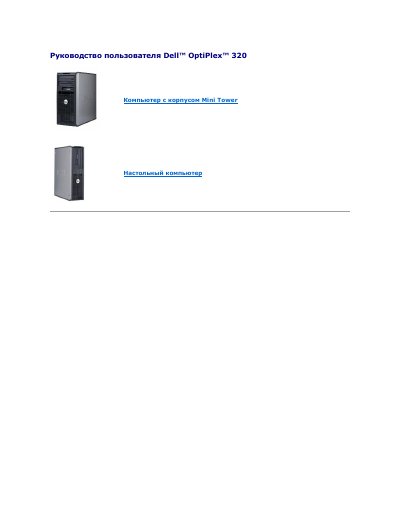

Dell OptiPlex 320 Mini Tower Chassis Desktop User's Guide - cover page
Brand
DELL
Category
Desktops
Document type
User Manual
Language
Russian
Pages
144
File format
PDF
File size
3.9 MB
Published
22 November, 2023
Updated
22 November, 2023
MD5 checksum
A4D6F34C8F233627316ECCE6C2E7A137

About this manual

This document is a user guide for the Dell OptiPlex 320 desktop computer in a Mini Tower chassis. It covers LegacySelect technology, Dell OpenManage IT Assistant and Client Instrumentation, security features, password protection, system setup, USB boot, clearing forgotten passwords, clearing CMOS settings, multithreading, and power management.

It explains system and administrator passwords, including password status values, entering passwords, incorrect password attempts, and removing or changing an existing system password. This manual is written in Russian.

What's inside

  • LegacySelect technology
  • Manageability
  • Dell OpenManage IT Assistant
  • Dell OpenManage Client Instrumentation
  • Security
  • Password protection
  • System setup
  • USB boot
  • Clearing forgotten passwords
  • Power management

Specifications

ChassisMini Tower

Frequently asked questions

What happens after three incorrect system password attempts?

The system halts and must be powered down.

How can an existing system password be removed?

Reboot the computer, enter the password when prompted, then press Ctrl+Enter.

Download PDF (3.9 MB)

More DELL Manuals


View all DELL manuals →