
The Dell™ OptiPlex™ GX280 Systems User's Guide provides information on how to use LegacySelect technology control, Alert Standard Format (ASF), and manageability features.
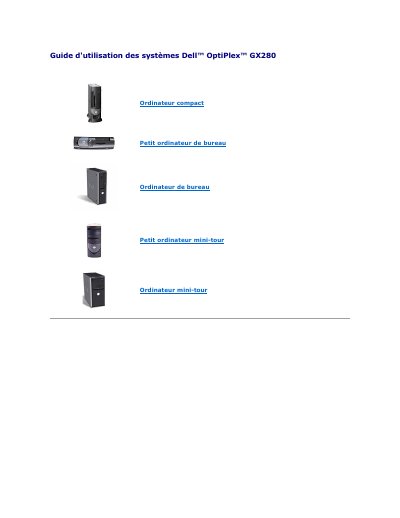
This guide is the French user's guide for Dell OptiPlex GX280 systems. It covers advanced features such as LegacySelect control, ASF alerts, and Dell OpenManage tools.
It also explains security features including chassis intrusion detection, padlock ring and security cable use, and system password setup. This manual is written in French.
| ASF alert support | ASF version 1.03 |
|---|---|
| System password length | Up to 32 characters |
| System battery voltage threshold | 2.2 V or less |
ASF stands for Alert Standard Format.
The setting becomes Detected and an alert message appears at restart: Alert! Cover was previously removed.
Open the system setup program, then use the Chassis Intrusion option under System Security to select Reset and choose On, On-Silent, or Off.
A system password can use up to 32 characters.