
Dell OptiPlex 745 Mini Tower Desktop User's Guide

Dell™ OptiPlex™ 745 Mini Tower Desktop User's Guide.
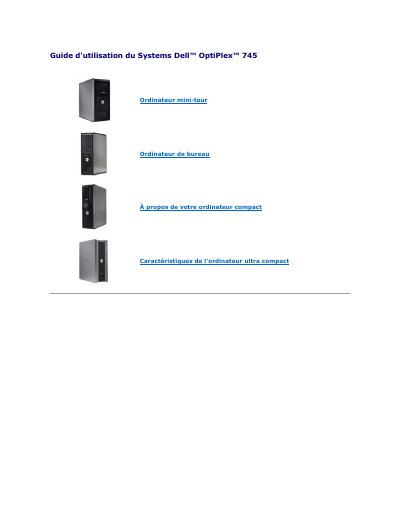

Dell OptiPlex 745 Mini Tower Desktop User's Guide - cover page
Brand
DELL
Category
Desktops
Document type
User Manual
Language
French
Pages
218
File format
PDF
File size
6.2 MB
Published
22 November, 2023
Updated
22 November, 2023
MD5 checksum
8CE366A688A81AE4F6465944B87F06D8

About this manual

This document serves as the user guide for the Dell OptiPlex 745 Mini Tower desktop computer. It provides detailed information regarding the computer's advanced features, including the LegacySelect technology which allows administrators to electronically enable or disable connectors and multimedia devices such as serial and USB ports, parallel connectors, floppy drive bays, PCI slots, and PS/2 mice to free up system resources. The guide also covers physical security features like chassis intrusion detection. This manual is written in French.

What's inside

  • Fonctionnalités avancées
  • Contrôle par technologie LegacySelect
  • Facilité de gestion
  • Sécurité physique
  • TPM (Trusted Platform Module)
  • Logiciel de gestion de sécurité
  • Protection par mot de passe
  • Amorçage à partir d'un périphérique USB
  • Paramètres des cavaliers
  • Technologie Hyper-Threading

Frequently asked questions

What voltage level indicates a low system battery?

The system battery is considered low when it reaches a voltage of 2.2 V or less.

What action is required to apply changes made to LegacySelect settings?

You must restart the computer for the modification to take effect.

Download PDF (6.2 MB)

More DELL Manuals


View all DELL manuals →