
The Dell SuperSpeed USB 3.0 Docking Station is a versatile docking station that can add more ports to your laptop or desktop computer. It has two USB 3.0 ports, four USB 2.0 ports, a Gigabit Ethernet port, an audio in/out port, a security lock slot, and a power port. It also supports dual display output, one DVI-I and one HDMI.
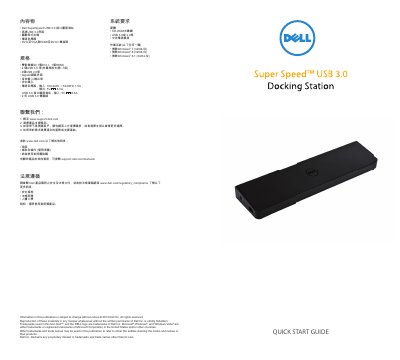
This quick start guide covers the contents, system requirements, hardware specifications, and contact information for the Dell SuperSpeed USB 3.0 Docking Station.
It explains driver installation with or without the included disc, shows the docking station port layout, and describes DisplayLink Manager menu options. This manual is written in Chinese.
| Video outputs | Dual image output (1 DVI-I, 1 HDMI) |
|---|---|
| USB 3.0 ports | 2 USB 3.0 ports (charging specification supports version 1.1) |
| USB 2.0 ports | 4 USB 2.0 ports |
| Network interface | Gigabit network interface |
| Audio ports | Audio input/output ports |
| Power supply | Input: 100-240V, 50-60Hz, 1.5A; output: 5V, 6.5A |
| Docking station power input | 5V, 6.5A |
| Included cable | 2 ft USB 3.0 cable |
Install the DisplayLink driver first, then connect the docking station and peripherals.
Connect the docking station to the laptop and Windows automatically starts installing the DisplayLink driver.
Download the latest driver from the DisplayLink technical support website.
Use the DisplayLink Manager menu and choose Extend or Mirror.