
The Dell™ OptiPlex™ 755 User Guide provides information on the various features and characteristics of the computer, including LegacySelect technology control, ease of management, physical security, Trusted Platform Module (TPM), security management software, computer tracking software, smart cards and fingerprint readers, password protection, system setup program, booting from a USB device, jumper settings, clearing forgotten passwords, clearing CMOS settings, Hyper-Threading and multi-core technology, and power management under Windows XP and Windows Vista.
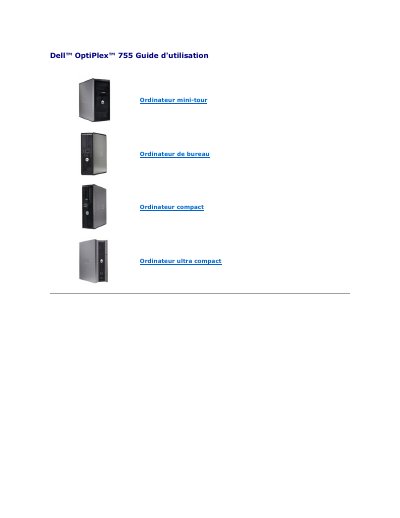
This document is the French user guide for the Dell OptiPlex 755 series of desktop computers, including mini-tower, tower, compact, and ultra-compact configurations. It provides instructions and information on advanced features, system management, and security. This manual is written in French.