
Dell Latitude 15 5000 Series E5570 Quick Start Guide

Dell Latitude 15 5000 Series E5570 Laptop Quick Start Guide
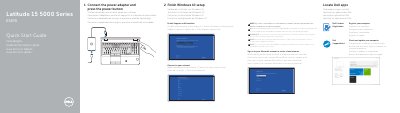

Dell Latitude 15 5000 Series E5570 Quick Start Guide - cover page
Brand
DELL
Category
Laptops
Document type
Quick Start Guide
Language
English
Pages
2
File format
PDF
File size
384 KB
Published
22 November, 2023
Updated
22 November, 2023
Model
E5570
MD5 checksum
846A9DFD5EBF466AE9C419FFE1163CC0

About this manual

This document serves as a multilingual quick start guide for the Dell Latitude 15 5000 Series E5570 laptop. It provides step-by-step instructions for initial setup, including connecting the power adapter, registering the product, enabling Dell SupportAssist, completing the Windows 10 setup process, and connecting to a network. A specific note is included regarding entering passwords for secured wireless networks.

What's inside

  • Connect the power adapter
  • Locate Dell apps
  • Register your computer
  • Check and update your computer
  • Finish Windows 10 setup
  • Enable Support and Protection
  • Connect to your network
  • Sign in to your Microsoft account
  • Features
  • Product support and manuals

Frequently asked questions

What should I do if I am connecting to a secured wireless network?

Enter the password for the wireless network access when prompted.

Download PDF (384 KB)

More DELL Manuals


View all DELL manuals →