
Dell Vostro Series Computer Setup Guide

The Dell Vostro series computer user manual introduces the setup and use of the computer.
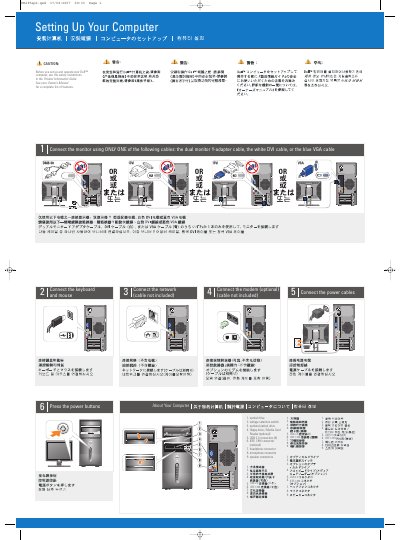

Dell Vostro Series Computer Setup Guide - cover page
Brand
DELL
Category
Desktops
Document type
User Manual
Language
English
Pages
2
File format
PDF
File size
2.5 MB
Published
22 November, 2023
Updated
22 November, 2023
MD5 checksum
2BD83808D6DAF629EB77F0EB2A14BD38

About this manual

This document provides instructions for setting up a Dell Vostro Series computer. It details how to connect the monitor using specific cables (dual monitor Y-adapter, DVI, or VGA), as well as connecting the keyboard, mouse, network, and modem. Users are advised to consult the Product Information Guide for safety instructions before operation.

What's inside

  • Setting Up Your Computer
  • About Your Computer
  • Wireless Network
  • Safety Instructions
  • Owner's Manual Reference
Download PDF (2.5 MB)

More DELL Manuals


View all DELL manuals →