
Dell OptiPlex 7040 Mini Tower Quick Start Guide
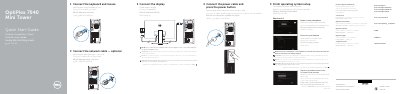
This document is a multilingual Quick Start Guide for the Dell OptiPlex 7040 Mini Tower (MT) computer. It provides step-by-step instructions for initial setup, including connecting the power cable, display, keyboard, and mouse, as well as signing in to the operating system. The guide includes specific notes for users who ordered the computer with a discrete graphics card.
| Regulatory model | D18M |
|---|---|
| Regulatory type | D18M001 |
Connect the display to the discrete graphics card instead of the motherboard port.
Visit dell.com/support to download the latest drivers.